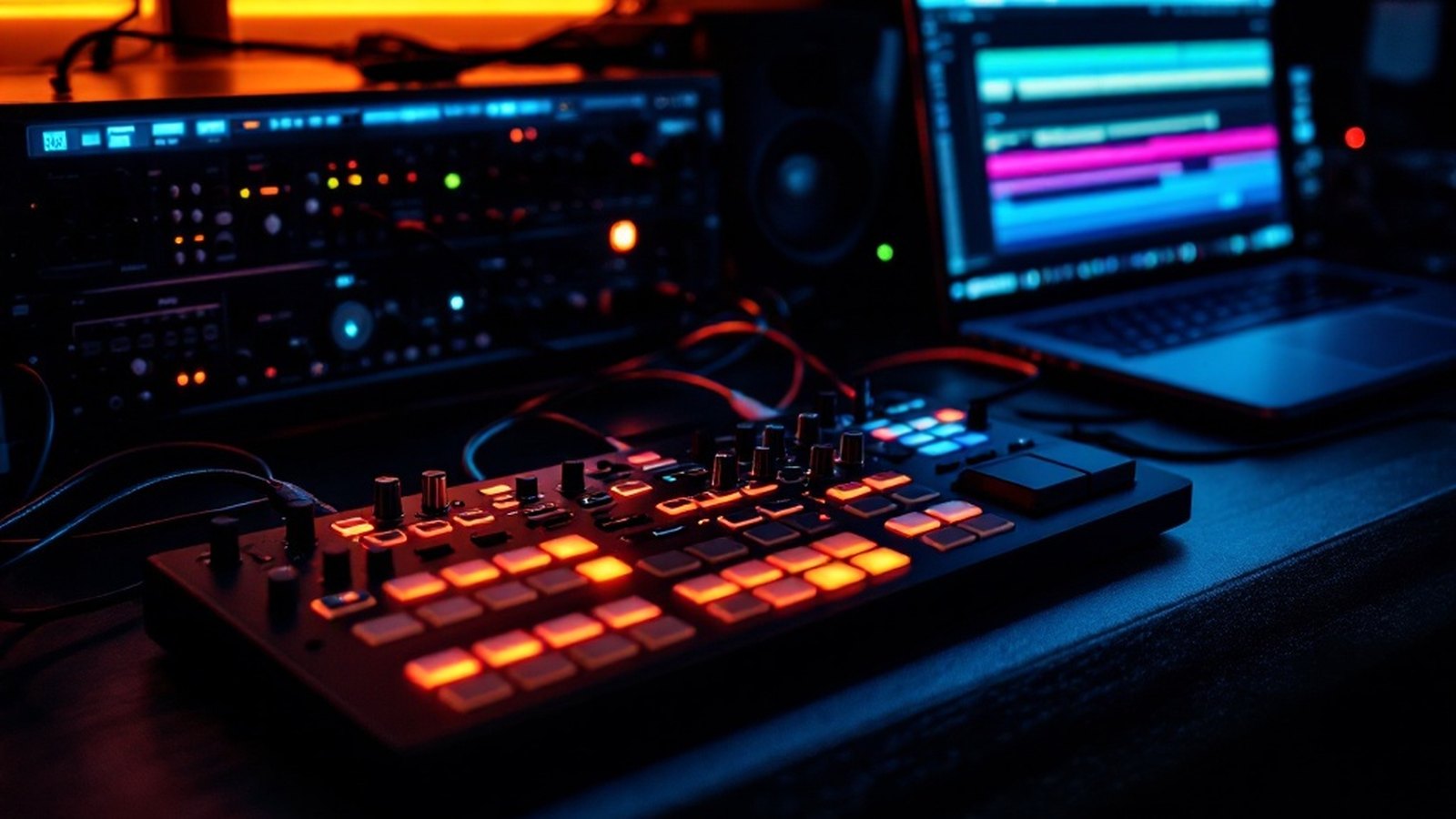
Every device in your home studio is a link. Here's what's actually happening between your keyboard and your speakers.
01From Fingers to File
It starts at the instrument. Press a key on a MIDI controller — a keyboard, a pad grid, a knob box — and the device fires off a MIDI message: a small packet of performance data encoding which note, how hard, and exactly when. The controller itself makes no sound. It just talks. That message travels out of the controller, most likely over USB these days, though plenty of hardware still uses the classic 5-pin DIN connector. Either way, the destination is the same: your computer.
Before that data means anything musical, your DAW has to receive it. Software like Ableton Live, FL Studio from Image-Line, or Steinberg Cubase sits at the center of a modern home studio — it catches incoming MIDI, routes it to a virtual instrument or an external synthesizer, and starts building your session. The DAW is the hub. Everything upstream feeds it; everything downstream serves it.
If you're triggering an external synthesizer rather than a plugin, the signal path makes a small detour. The DAW routes the MIDI back out through your MIDI interface — a dedicated box or a port built into your audio interface — to the synth's MIDI In. The synth generates audio, and that audio has to come back into the computer as an analog signal through the interface's line inputs. Round trip complete.
02The Interface in the Middle
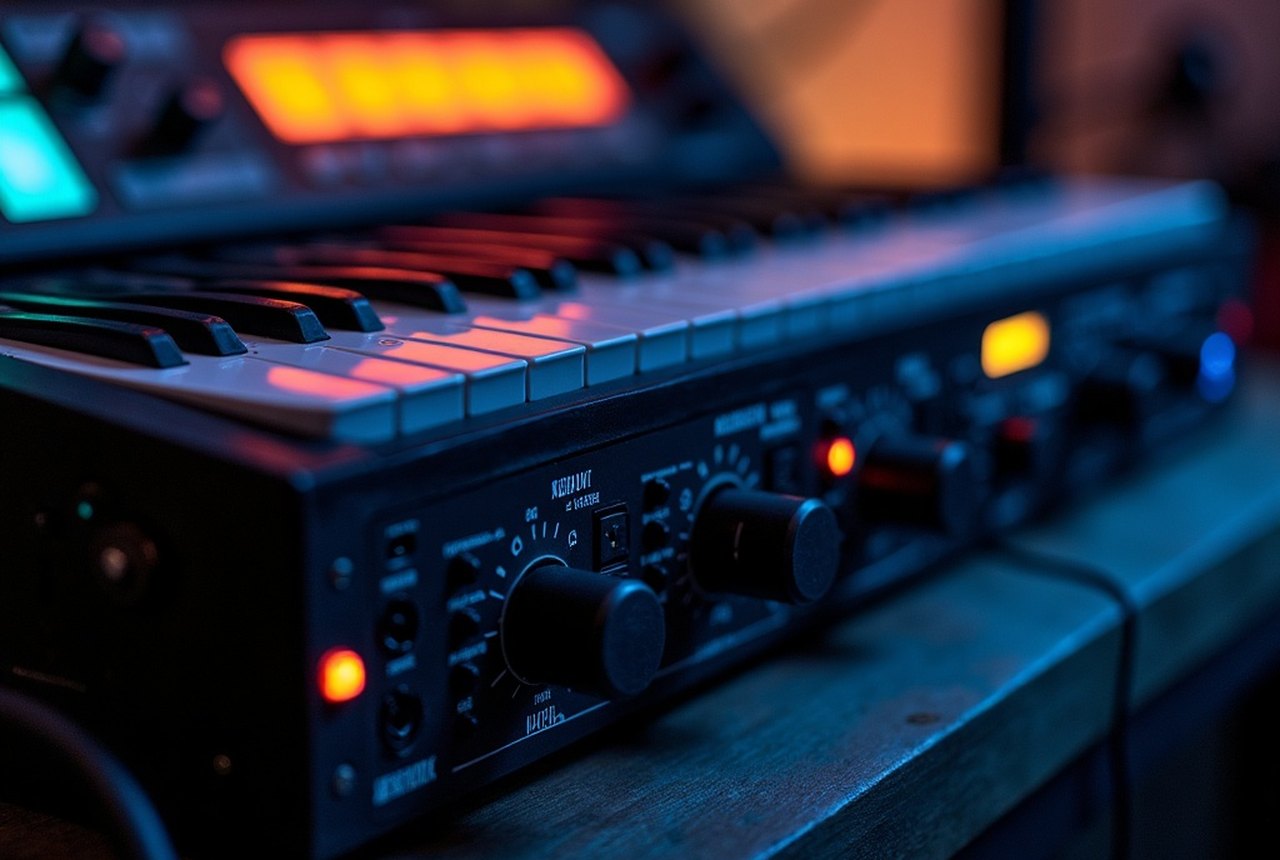
The audio interface is where the analog and digital worlds actually shake hands. A microphone or synthesizer output arrives as a continuously varying electrical voltage — analog audio. The interface's ADC (analog-to-digital converter) samples that signal thousands of times per second, turning it into the binary stream your DAW can record and process. Getting this conversion right matters: a clean preamp and a decent signal-to-noise ratio here determine your noise floor for the entire project. Brands like Focusrite, PreSonus, Audient, and M-Audio cover this space at every budget level.
A microphone or synthesizer output arrives as a continuously varying electrical voltage — analog audio.
The interface also handles the return path. When you want to hear what the DAW has recorded or generated, digital audio flows back out through the interface's DAC (digital-to-analog converter), re-emerging as analog voltage — the kind your monitors or headphones can actually use. Low-latency driver protocols like ASIO keep this round trip tight enough that monitoring through software feels responsive rather than laggy.
One detail people miss: the interface connects to your computer via USB, Thunderbolt, or occasionally PCIe. The connection type affects latency and bandwidth, but any modern interface running a well-configured ASIO driver should perform transparently for home studio work.
03Out to Your Ears
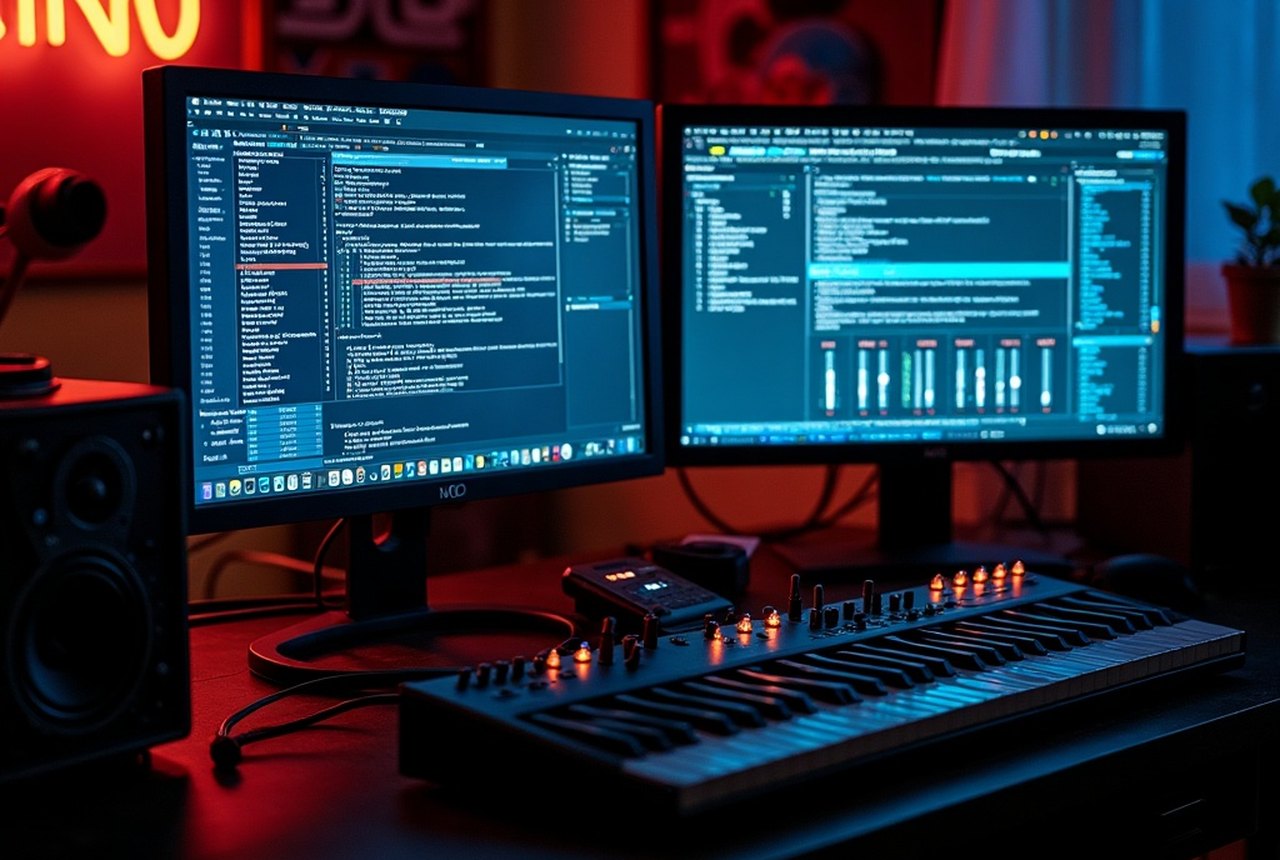
The final leg is purely analog. Balanced line-level audio leaves the interface's main outputs, travels down a cable — ideally a balanced TRS or XLR cable to reject interference — and arrives at your studio monitors. Active monitors, which have their own built-in amplifiers, are the norm in home studios precisely because they remove one more variable from the chain. You plug in, calibrate your listening position, and what you hear should reflect what's actually in the file.
This last link is often the most neglected. A noisy cable, a cheap unbalanced connection, or monitors positioned badly against a wall can undo every good decision made earlier in the chain. Treat it with the same attention you'd give the interface or the DAW.
04Reading the Whole Chain
Walk it backwards and the logic is just as clear: monitors reveal what the DAW mixed, the DAW mixed what the interface recorded, the interface recorded what the instrument — acoustic or electronic — produced, and the instrument responded to what you played. Every link affects every other. A weak preamp adds noise that EQ can't fully fix. A cheap converter smears transients that compression won't rescue. Conversely, a solid interface and honest monitors make even modest software sound better, because you can actually hear what you're doing.
Understanding the signal path isn't academic — it's the fastest way to diagnose problems, make smarter gear choices, and stop blaming the wrong device when something sounds off.