One in, one out covers most studios. Here's when it doesn't — and three boxes worth your money.
01What You Actually Need (and What You Don't)
MIDI has been around since 1983, and the basic premise hasn't changed: it's a communication protocol that lets your keyboard talk to your computer, your drum machine talk to your synth, or your sequencer talk to everything at once. A MIDI interface is the hardware bridge that makes those conversations possible when your gear uses the classic 5-pin DIN connectors that predate USB by decades.
Here's the honest truth for most home-studio producers: a single-port, one-in/one-out interface is all you'll ever need. If you have one keyboard or controller feeding MIDI into your DAW — Ableton, Logic, FL Studio, Pro Tools — and maybe one hardware synth receiving MIDI back out, a basic 1x1 box handles that cleanly and costs very little. The signal chain is simple: DIN out from your keyboard, into the interface, USB into your computer. Done.
The only time that setup breaks down is when you start chaining multiple pieces of hardware. Say you have a Yamaha synth, a Roland drum machine, and a vintage Juno all wanting independent MIDI tracks simultaneously. Now you need multiple outputs, possibly multiple inputs, and potentially MIDI Thru routing that a 1x1 box can't manage without daisy-chaining workarounds that invite timing glitches. At that point, step up to a 4x4 interface — four independent inputs, four independent outputs, each running its own tight data stream.
There's also a sync consideration. If you're locking hardware to video or running a hybrid live rig where tempo has to be rock-solid, MIDI Clock and MTC (MIDI Time Code) jitter becomes a real concern. Cheap interfaces cut corners on clock stability; purpose-built multi-port units don't.
02Three Interfaces Worth Buying
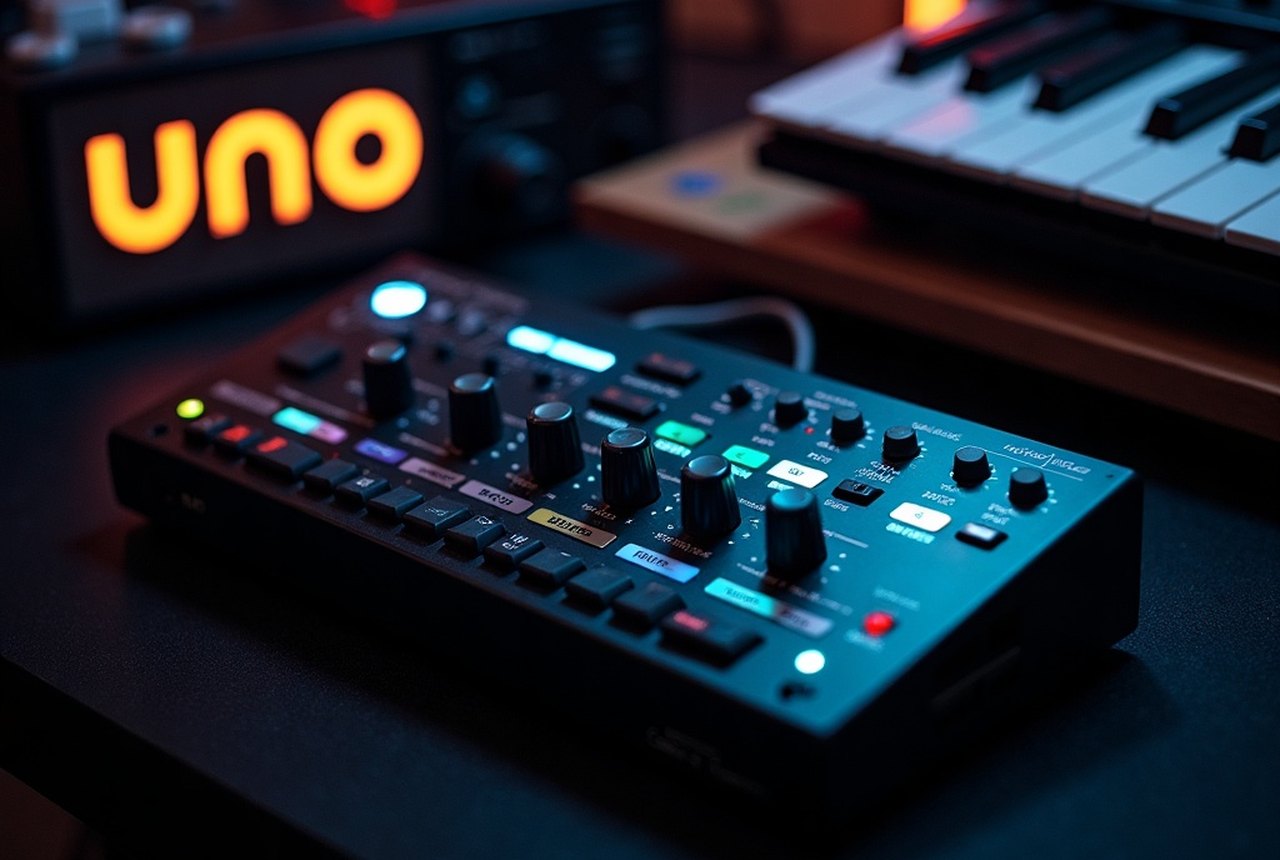
M-Audio Uno — This is the one to grab if you genuinely only have one or two pieces of DIN-equipped hardware. It's a no-frills USB bus-powered cable-style interface: USB on one end, DIN-5 In and Out on the other. No drivers needed on modern systems, no external power. It's been a reliable starting point for years, and you'll find it at zZounds or on Reverb for a price that won't make you wince. If your needs ever outgrow it, you won't feel bad moving on — you'll have spent almost nothing.
M-Audio Uno — This is the one to grab if you genuinely only have one or two pieces of DIN-equipped hardware.
Focusrite Scarlett Solo (or 2i2) with onboard MIDI I/O — Worth flagging that many audio interfaces from Focusrite and PreSonus already include a MIDI In/Out pair alongside their analog I/O. If you're shopping for your first audio interface anyway, buying a unit with MIDI built in is smarter than purchasing both separately. The Scarlett range is well-supported, widely available, and Focusrite's driver stability is solid across both Mac and Windows. One box, everything covered.
iConnectivity mio4 — This is the step-up pick for anyone running a genuine hardware rig. Four ins, four outs, USB host connectivity (meaning it can connect USB-MIDI devices directly, no computer required for routing), and tight clock performance that holds up under live conditions. It costs noticeably more than a basic 1x1, but if you're sequencing multiple synths independently, the cleaner MIDI routing and timing stability justify every dollar. Find it through zZounds or a specialist retailer; it's not the kind of thing that goes on deep discount, but it also doesn't need to.
03Before You Buy
Check what you actually own first. If all your keyboards and controllers already connect via USB, you may not need a traditional MIDI interface at all — USB-MIDI is built into most modern gear, and your DAW handles it natively. The 5-pin DIN interface only earns its place when you have older hardware that has no USB option, or when you need to route MIDI between devices independently of a computer.
One more thing: MIDI interfaces carry no meaningful audio signal — they pass performance data only, things like note pitch, velocity, and Control Change messages. They don't affect your sound quality one bit. Buy the size you need, keep it simple, and spend the rest of your budget on something that actually shapes your sound.