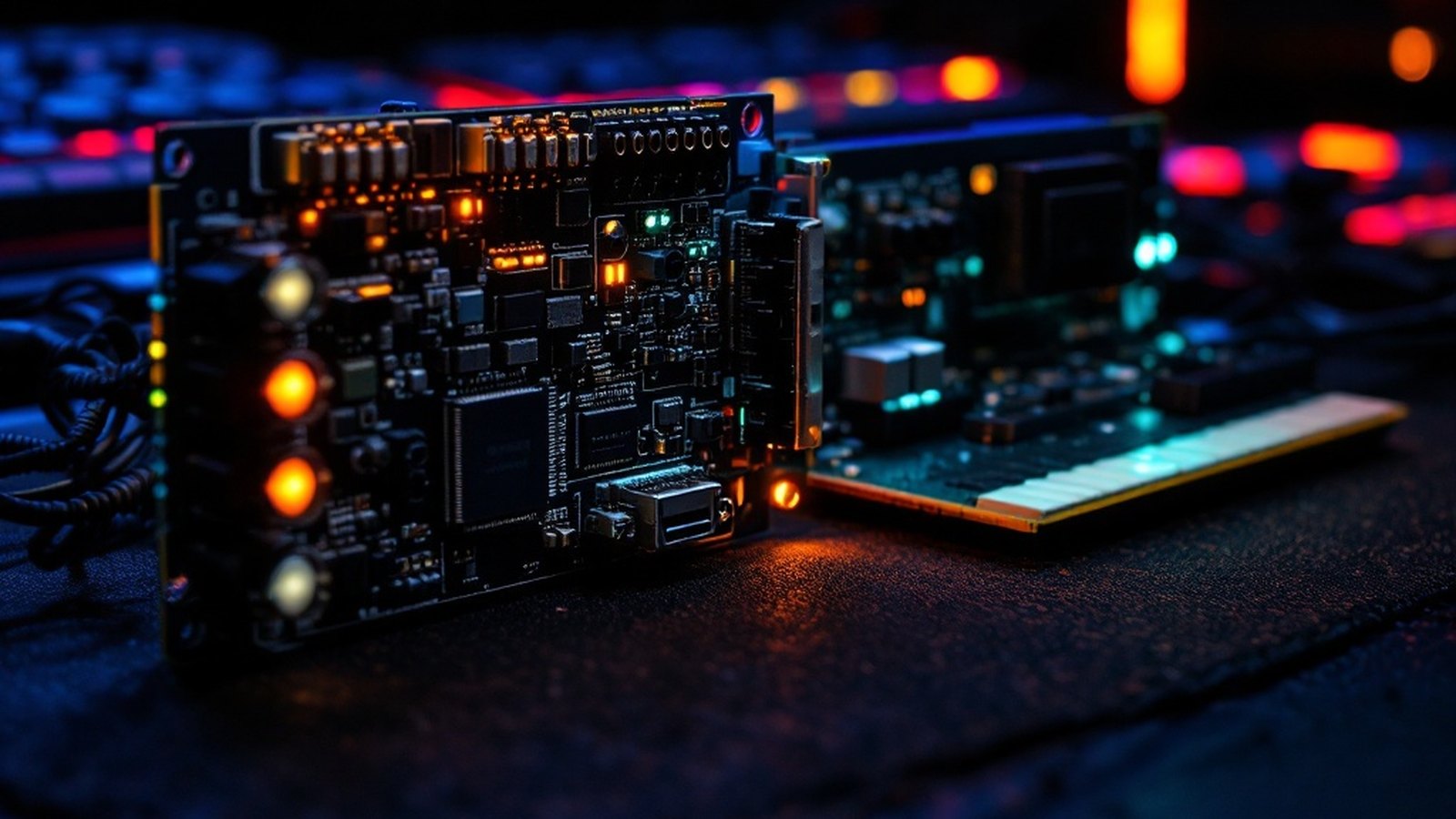
Onboard audio handles Spotify fine. Here's when a dedicated card earns its place — and which one to buy.
01Who Actually Needs a Dedicated Sound Card?
Modern motherboards have gotten genuinely good at audio. Integrated chips handle casual listening, video calls, and even basic home recording without complaint. For a large slice of PC users, that's enough — and there's no reason to spend money on something you won't hear a difference from.
But three groups consistently run into the ceiling of onboard audio.
Gamers chasing spatial immersion. Positional audio in games depends on accurate 3D processing. Onboard chips handle the basics, but dedicated cards with hardware like Creative Labs' EAX 5.0 resolve fine spatial detail that integrated audio flattens out. If you're playing competitive shooters where footstep direction matters, or story-driven games with expansive sound design, the gap becomes real fast.
Headphone listeners with high-impedance cans. High-impedance headphones — anything rated 150 ohms and above, including many popular audiophile models — require significantly more power to reach their full potential. Onboard audio isn't built to deliver that. At insufficient drive, those headphones sound thin and dynamically compressed. A dedicated card with a proper headphone amplifier solves this without a separate desktop amp taking up desk space.
Home-cinema PC users. Pairing a PC with quality bookshelf speakers or a surround setup means you want clean analog output, proper S/PDIF digital passthrough, and Dolby Digital or DTS encoding handled in hardware. Onboard audio often skips one or more of those boxes, or handles them with audible noise added by the electrical environment inside the case.
If none of those descriptions fit your use case, save your money. If one or more do, a dedicated internal sound card delivers a measurable, audible upgrade — and the Signal-to-Noise Ratio numbers that separate the best cards from integrated audio are not marketing fiction.
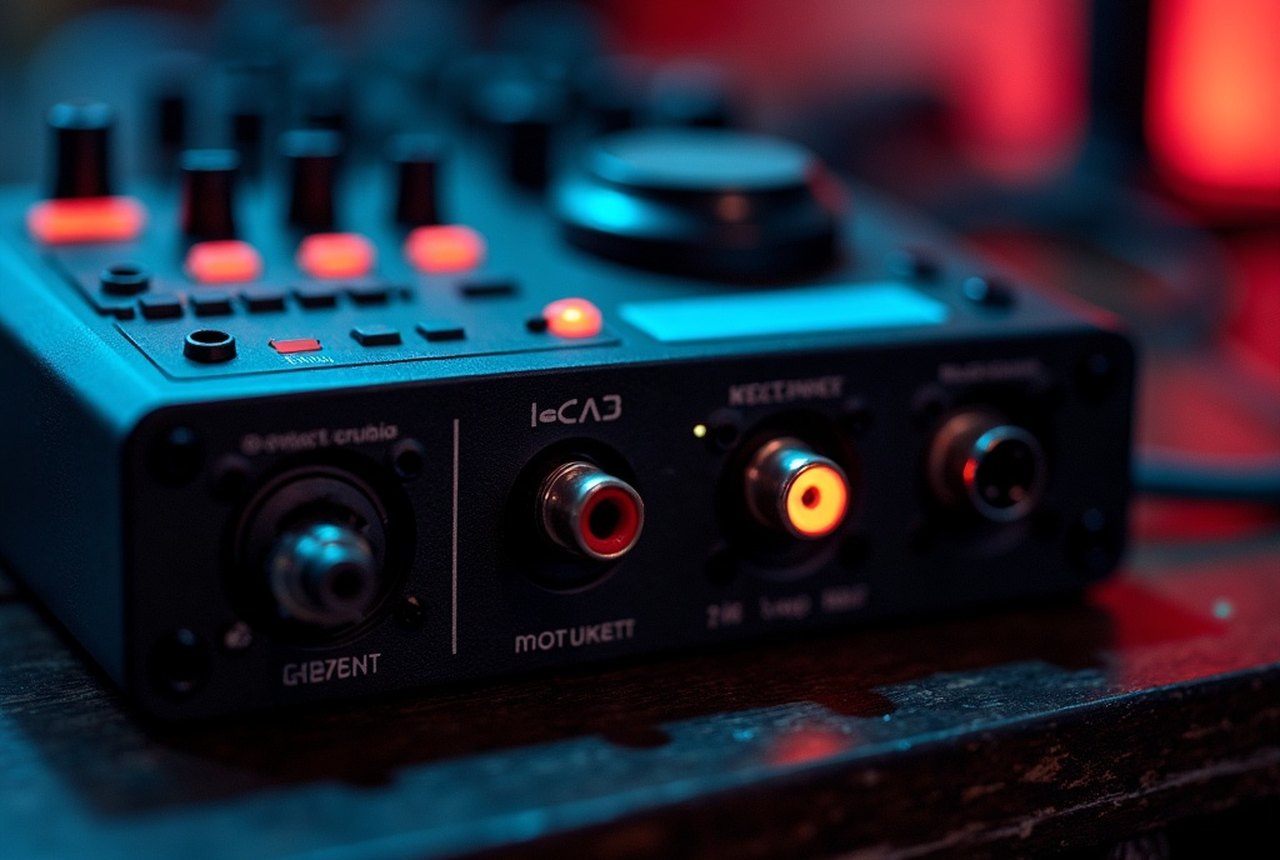
02Top Pick: Creative Sound Blaster ZXR
Creative Labs has been in this space longer than almost anyone — the Sound Blaster name goes back to 1989 and helped define the PC audio standard for a generation. The ZXR is the current pinnacle of that lineage for internal PCIe cards aimed at audiophiles, gamers, and serious headphone listeners.
Its most distinctive engineering choice is a dual-card design. The main card handles primary audio processing; a companion daughterboard called the DBPro adds optical input and output while managing analog-to-digital conversion independently. Crucially, the two connect via an included cable and the DBPro doesn't consume a separate motherboard expansion slot — it piggybacks on the main card's bracket. For a machine with limited PCIe real estate, that matters.
Crucially, the two connect via an included cable and the DBPro doesn't consume a separate motherboard expansion slot — it piggybacks on the main card's bracket.
The headline spec is a 124 dB Signal-to-Noise Ratio on the main card, driven by the onboard SoundCore 3D quad-core audio processor. The DBPro's ADC checks in at 123 dB SNR. Both figures sit firmly in audiophile territory — for context, solid integrated audio typically lands in the 90–100 dB range, and every decibel of SNR represents real, audible background quiet.
The built-in headphone amplifier is rated to 600 ohms. That rating is the ZXR's single most practical advantage for a lot of buyers: it means demanding high-impedance headphones get the current they need, delivered cleanly, without an external amplifier. Sennheiser HD 650s, Beyerdynamic DT 990 Pros at 250 ohms, or similar — the ZXR handles them where onboard audio cannot.
Connectivity covers the full range: S/PDIF optical output, line-level speaker output, a dedicated headphone jack, microphone input, and RCA stereo input for analog sources. Technology support includes Dolby Digital, DTS, EAX 5.0, CrystalVoice noise reduction, and SBX Pro Studio's suite of spatial and clarity enhancements. Everything is managed through Creative's Sound Blaster Z-series control panel software, which is genuinely usable without a manual.
One honest caveat: the ZXR is an internal PCIe card, which means installation requires opening your case and seating it in a slot. If that's a dealbreaker, Creative and competitors including Asus offer external USB alternatives — though USB cards sacrifice some of the SNR headroom that makes the ZXR compelling. For desktop users comfortable with basic hardware installation, the internal route is worth it.
You'll find the ZXR at retailers including zZounds and through secondary markets like eBay, where open-box and used pricing can make it considerably more accessible. Prices shift, but it consistently lands in the premium tier of internal consumer sound cards.