How the physical link between your gear and your computer has changed — and what to reach for today
01The Cable That Started It All
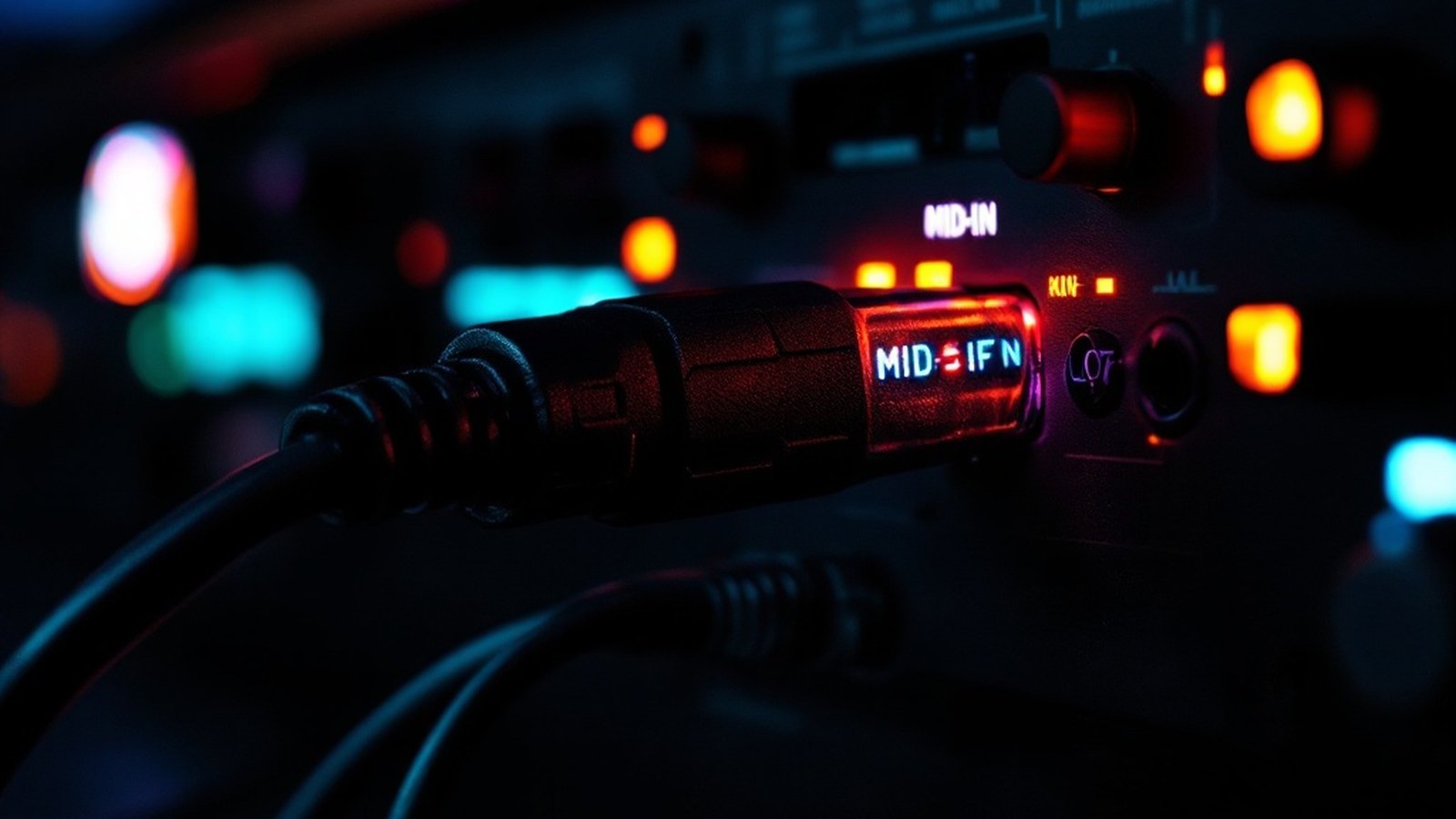
When the MIDI specification was finalized in 1983, it came with a physical standard baked in: the 5-pin DIN connector. Circular, chunky, and locking with a satisfying click, the DIN-5 plug became ubiquitous on synthesizers, drum machines, and sequencers through the 1980s and into the 1990s. It carries MIDI data in one direction only — each cable is strictly an IN, an OUT, or a THRU — so even a modest rig could require a tangle of cables just to pass data between three or four devices. That unidirectional design wasn't a flaw; it was a deliberate choice to keep signal paths clean and predictable. Forty-plus years later, DIN-5 ports still appear on Roland AIRA hardware, Yamaha workstations, and countless pieces of vintage gear that refuse to die.
The role of a MIDI interface is to sit between that world of 5-pin connectors and your computer, translating data so your DAW — whether that's Avid Pro Tools, Steinberg Cubase, or Image-Line FL Studio — can record, edit, and play back everything in sync. Entry-level interfaces typically offer two MIDI inputs and two outputs, enough for a keyboard and a drum machine talking to a laptop simultaneously. Larger units scale up to eight or more ports, letting a composer route a full rack of hardware modules without a single signal collision.

02USB Changes Everything — Almost
The real disruption came when USB-MIDI arrived. As USB became standard on PCs and Macs through the late 1990s and early 2000s, manufacturers moved quickly. Many modern keyboards and controllers now carry a USB port that handles MIDI data directly — plug in a single cable, and the instrument appears in your DAW without a separate interface box. That convenience flattened demand for standalone MIDI interfaces at the entry level and made getting started genuinely simple.
A few things worth knowing: USB-MIDI works well for note data and control changes, but if you're locking external hardware to a strict tempo grid or syncing to video via MTC (MIDI Time Code), a dedicated interface with proper DIN-5 ports typically provides tighter, more stable timing than a generic USB connection. USB introduces small, variable latency — usually imperceptible for live playing, but potentially audible when you need sample-accurate sync between a hardware drum machine and a DAW session. Producers running a serious hybrid setup — mixing hardware synthesizers with software — often find a purpose-built interface worth every dollar for that reason alone.
Producers running a serious hybrid setup — mixing hardware synthesizers with software — often find a purpose-built interface worth every dollar for that reason alone.
USB hasn't fully displaced DIN-5 either. Audio interfaces from Focusrite, PreSonus, Audient, and M-Audio frequently include at least one pair of DIN-5 MIDI ports alongside their USB connection, letting you run a modern laptop-centered studio while keeping older gear in the chain. Several larger Focusrite Scarlett and PreSonus Studio models follow this pattern, combining audio I/O with MIDI connectivity in a single compact unit — a practical choice if you don't need more than a port or two.
03Picking the Right Connection for Your Setup
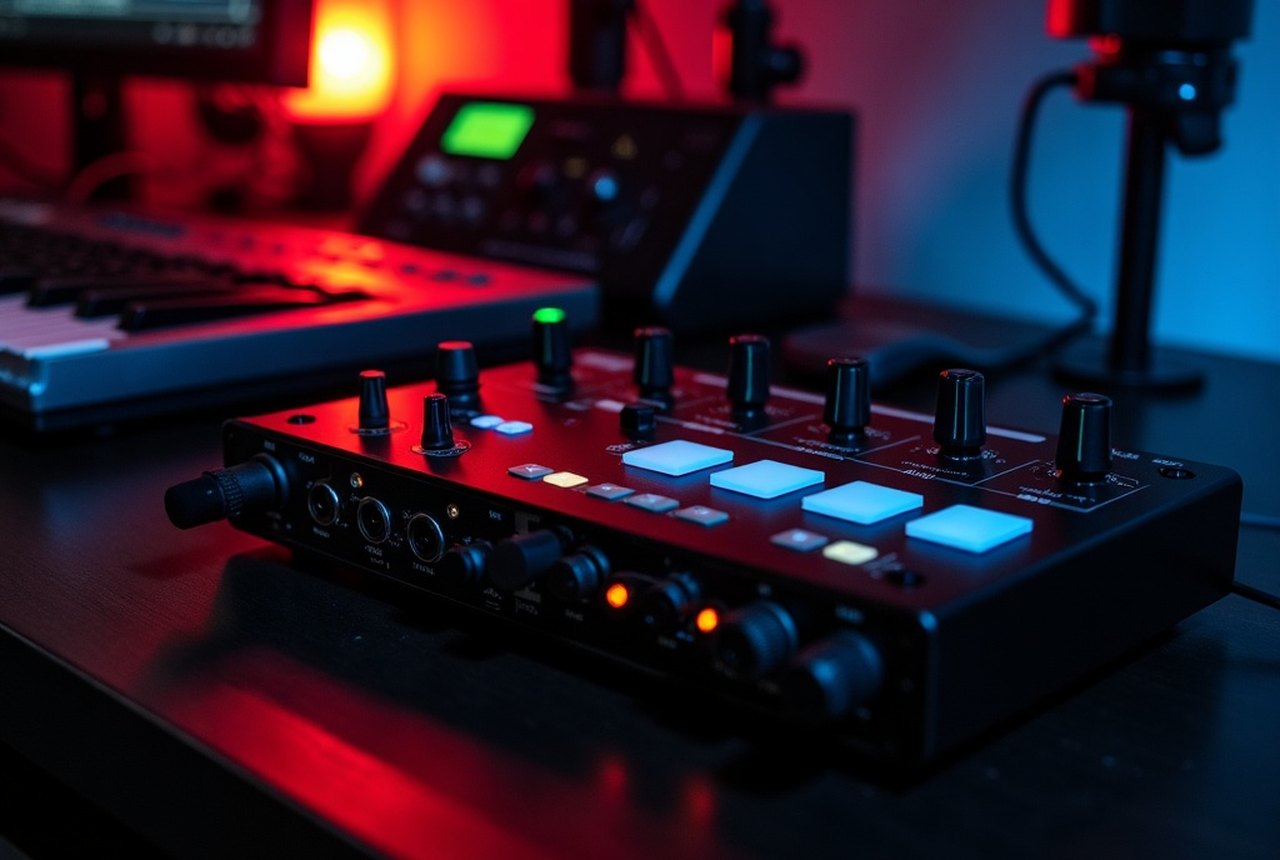
Start by counting your hardware. One keyboard going into a laptop? A USB cable or a two-port interface is enough. Expanding to a hardware synth module, a drum machine, and a MIDI-controlled effects unit? You'll want a multi-port interface with dedicated DIN-5 ins and outs so you're not daisy-chaining everything through a single THRU port and compounding tiny timing errors.
Bluetooth MIDI has also entered the picture, built into iOS devices and supported on modern Macs, with Windows support gradually improving. It's genuinely convenient for a wireless keyboard controller at a rehearsal or a synth you don't want tethered to a desk. For live performance or anything requiring tight synchronization, though, stick with a wired connection — wireless latency and occasional dropouts are still real risks mid-set.
Whatever your scale, the connector choice comes down to one question: what does your gear actually have, and what does your computer need on the other end? Match those two realities, add enough ports to grow into, and the technology quietly disappears — leaving you to focus on the music.
The chronology
- 1983MIDI spec and DIN-5 connector standardized
- Late 1990s–early 2000sUSB-MIDI adoption as USB became standard on PCs and Macs
- PresentBluetooth MIDI supported on iOS and modern Macs; Windows support developing