
Your motherboard's built-in audio isn't embarrassing anymore — but it still hits a wall the moment you try to record anything real.
01Where Onboard Audio Lands Today
Modern motherboards ship with surprisingly capable audio codecs — Realtek's higher-end chips, for instance, push signal-to-noise ratios above 110 dB on the output side, which is genuinely good. Casual playback, YouTube, gaming with a USB headset: onboard audio handles all of it without complaint. The gap between integrated audio and a discrete card closed dramatically through the 2010s, and for pure listening it's largely irrelevant now.
The wall appears the moment you plug in a microphone or a guitar and try to capture something worth keeping.
02What You Can Actually Hear
First problem: the preamp. Onboard codecs use cheap, electrically noisy mic inputs — when they include one at all — and they live inside a case full of switching power supplies, GPU interference, and RF noise from a dozen other components. That interference couples directly into your signal path. You'll hear it as a faint hiss under quiet passages, a buzz that appears when you move the mouse, or a thin, lifeless tone from a condenser mic that should sound open and present.
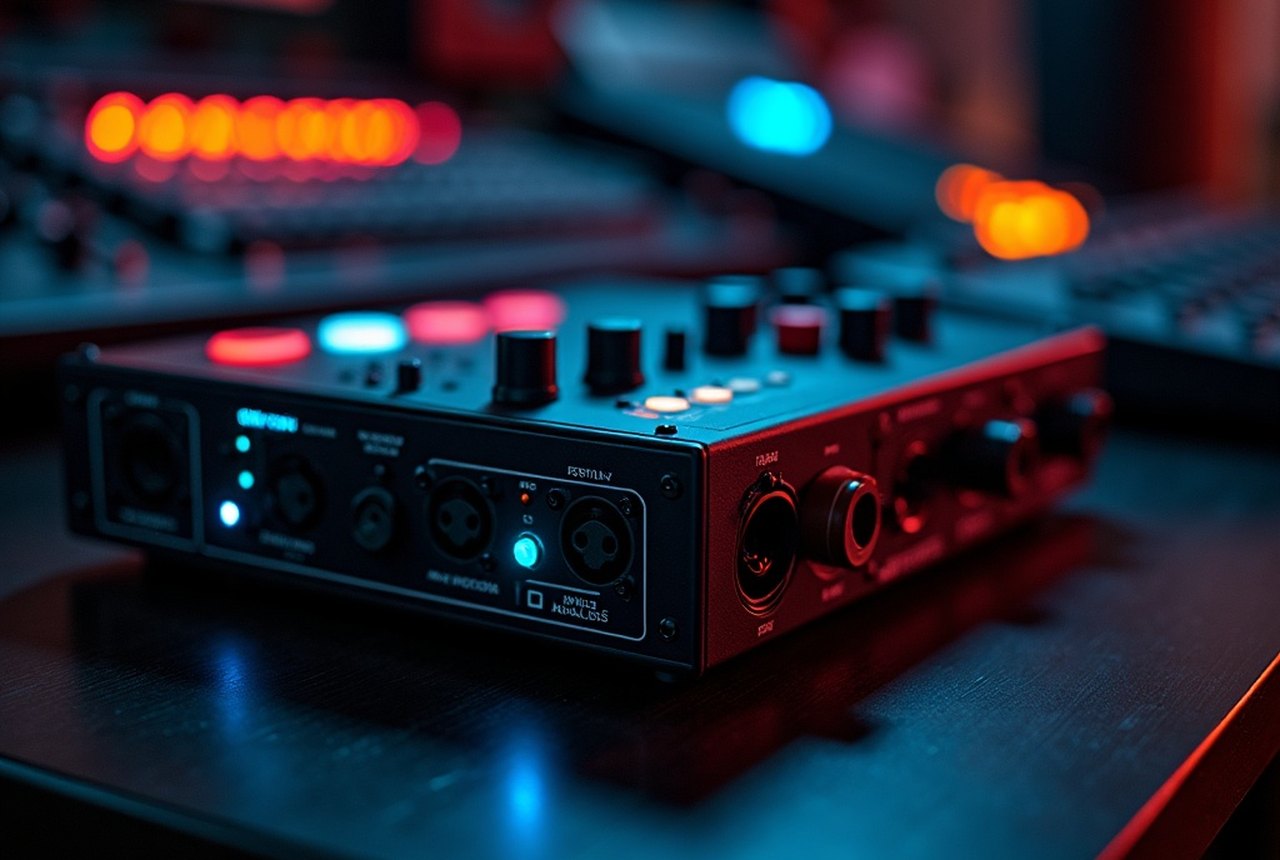
Second problem: latency. Onboard audio runs through generic Windows or macOS drivers that introduce enough round-trip delay to make real-time monitoring while recording feel like playing through wet concrete. Dedicated audio interfaces — from Focusrite, PreSonus, Audient, M-Audio, and others — ship with ASIO drivers on Windows that cut that round-trip to low-single-digit milliseconds. That difference is not subtle; it's the difference between a usable monitoring experience and an unusable one.
Third: connectivity. That 3.5 mm combo jack on your motherboard isn't going to accept an XLR microphone, a pair of balanced studio monitors, or a guitar through a high-impedance instrument input. A dedicated audio interface gives you the correct connectors, correct impedances, and phantom power for condenser mics — hardware requirements no codec integration can patch around.
03The Honest Verdict
If you're only playing back audio, onboard is fine. The moment you want to record — a vocal, an instrument, a podcast, a demo — onboard audio becomes the thing standing between you and a usable take. A basic audio interface from Focusrite or PreSonus costs less than a tank of gas and fixes every problem listed above in one move. Check zZounds or Reverb for current pricing; this is one category where entry-level gear genuinely works.