Everything you need to know before you spend a dollar — ports, protocols, sync, and which setup actually needs one
01What a MIDI Interface Actually Does
MIDI is a communication protocol, not audio. When you press a key on a synthesizer, MIDI doesn't capture the sound — it captures data: which note, how hard you hit it, how long you held it. That stream of performance data travels between devices as MIDI messages, and every piece of compliant gear on the planet speaks the same language, regardless of whether it came from Roland, Yamaha, or a boutique manufacturer you've never heard of.
A MIDI interface is the hardware bridge that gets those messages from your instruments into your computer and back out again. It converts the electrical signals on a 5-pin DIN cable into a format your USB port and DAW can understand, handles timing so devices stay locked together, and routes data between multiple pieces of gear without collisions or delays. Strip away the marketing and that's the whole job: translate and route, cleanly and in time.
Two file formats you'll encounter constantly once you're inside a DAW are the Standard MIDI File (SMF) and the General MIDI (GM) spec. An SMF is a universal container — it stores a recorded MIDI sequence so any compliant sequencer can play it back. General MIDI is the standardized instrument map layered on top: GM ensures that patch 1 is always an acoustic grand piano and patch 26 is always a steel-string guitar, so a sequence written on a Roland sounds sensible on a Yamaha. Neither format requires any particular interface hardware; they're software-level agreements. But understanding them tells you why MIDI is so portable and why a single well-maintained sequence can survive decades of gear changes.
02Do You Actually Need a Standalone Interface?
This is the question most first-time buyers skip, and skipping it wastes money. The honest answer: a lot of modern gear has made the standalone MIDI interface optional for simple rigs.
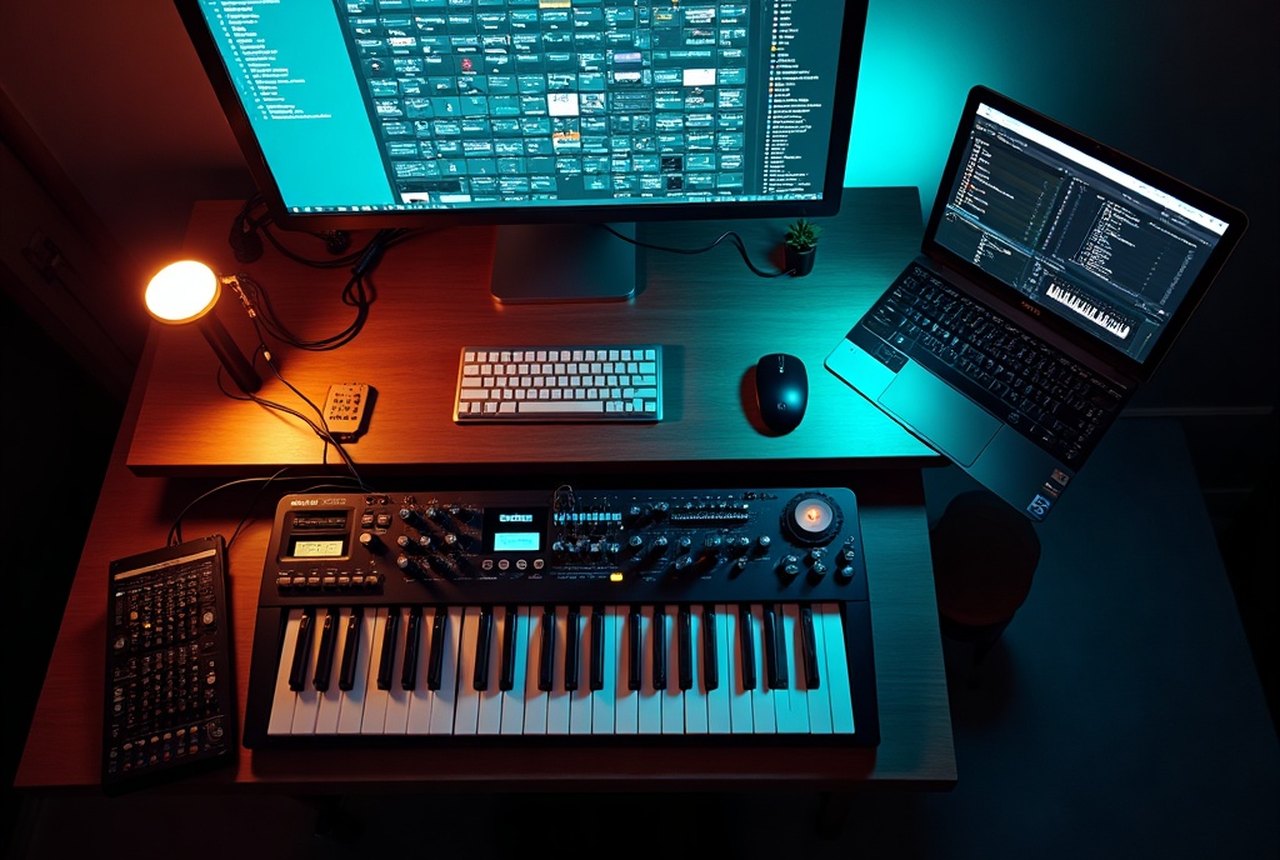
Most USB keyboards, digital pianos, and MIDI controllers sold in the last ten-plus years include a built-in USB-MIDI interface. Plug them into your laptop, install any required driver (many are class-compliant and need none), and your DAW — whether that's Ableton Live, Steinberg Cubase, Avid Pro Tools, or Image-Line FL Studio — sees them immediately. If your setup is one keyboard, one laptop, one DAW, you almost certainly don't need to buy anything else. The USB cable is the interface.
The case for a dedicated standalone unit builds quickly as your rig grows. Here are the real scenarios where you need one:
Older gear with 5-pin DIN ports. Synthesizers, drum machines, and rack modules from the 1980s and 1990s — including a huge amount of still-desirable hardware — communicate only over the classic 5-pin DIN connector. Your laptop has no DIN socket. An interface bridges that gap.
Multiple devices at once. USB-MIDI works fine device-by-device, but managing five synths each on their own USB cable gets messy fast, and some computers don't have enough USB ports with reliable power to handle it. A 4×4 or 8×8 interface consolidates everything into one connection and lets the interface handle the routing.
Sync to video or external clock. If you're scoring to picture, running a live show against a click track, or syncing hardware sequencers, you need an interface that supports MTC (MIDI Time Code) or MIDI Clock output. MTC locks devices to a time-position reference the way SMPTE does in video post-production; MIDI Clock keeps tempo in sync across multiple devices. Not every budget interface handles both reliably.
Professional audio interfaces with MIDI I/O. Worth noting: many audio interfaces from Focusrite, PreSonus, Audient, and M-Audio include one or two MIDI ports built in. If you're buying or already own an audio interface for recording, check whether it already has MIDI I/O before purchasing a separate MIDI interface. A Focusrite Scarlett 2i2, for instance, includes a MIDI in and out — more than enough for a keyboard and a synth.
A Focusrite Scarlett 2i2, for instance, includes a MIDI in and out — more than enough for a keyboard and a synth.

03What to Look For: A Spec-by-Spec Breakdown
Port Count
Count your MIDI devices before you look at a single product listing. Each physical instrument needs its own MIDI In and MIDI Out connection at the interface. A 1×1 interface (one In, one Out) handles exactly one external device at a time. A 2×2 handles two, and so on.
The practical tiers look like this:
- 1×1 — One keyboard or controller connected to a computer. No frills, low cost, gets the job done.
- 2×2 — A keyboard plus a synth module, or a keyboard plus a drum machine. Common sweet spot for a small home studio.
- 4×4 and up — Multiple synthesizers, drum machines, rack modules, and a computer all talking simultaneously. When you reach this territory, routing flexibility matters as much as raw port count.
Daisy-chaining via MIDI Thru is technically possible — signal passes from one device to the next down a chain — but it introduces timing jitter as the chain lengthens, and it limits your routing options. More ports on the interface itself is cleaner than a long daisy-chain.
Connectivity and Driver Support
Almost every current MIDI interface connects to a computer via USB. That's fine for most users. Before buying, confirm the interface is compatible with your specific operating system — macOS, Windows, and Linux each have their own driver landscape, and it changes with OS updates.
Class-compliant devices need no dedicated driver; the OS handles them natively. Interfaces that require a proprietary driver are potentially faster or more feature-rich, but they also introduce a dependency: if the manufacturer stops updating drivers and your OS moves on, you have a problem. For home-studio use, class-compliant USB is the safer long-term bet.
Legacy connectivity options exist too. Older interfaces connected via serial port or the game port on a PC sound card — the game port route was actually how many musicians first connected MIDI gear in the DOS era, before USB was a thing. You won't encounter those connectors on anything modern, but you may run into them on secondhand gear.
Sync Capabilities
If tempo-syncing multiple devices is central to your workflow, don't compromise on this. MIDI Clock is the basic pulse — 24 pulses per quarter note — that keeps drum machines, sequencers, and arpeggiators locked to the same tempo. It's relative, not position-based, so if playback stops and restarts, devices have to re-establish where they are.
MTC (MIDI Time Code) solves that by encoding an absolute time position derived from SMPTE. It's what you need when locking to video or to any system that needs to know where in the timeline it is, not just how fast to go. Most mid-range and professional interfaces support both; some budget 1×1 units support only MIDI Clock. Know which you need.
Build Quality and Latency
MIDI data is lightweight compared to audio, and latency in a well-designed USB-MIDI interface is low enough that it's rarely the bottleneck. Still, cheap interfaces with poor firmware can introduce timing inconsistencies that show up as slightly flammy performances when you're running several devices at once. Reviews from working musicians — not spec sheets — are the best guide here. Forums like JAMS and communities around specific DAW software are worth consulting.
Build quality matters more for gigging than for studio use. A bus-powered USB interface that lives in a laptop bag gets handled roughly; a rackmount unit that stays wired in a studio gets treated gently.
04Where to Buy
New gear: zZounds is a well-established U.S. retailer with clear return policies and a broad MIDI interface selection. Manufacturer direct (Roland, Yamaha, Focusrite, M-Audio, and others all sell direct) is another reliable route. For older or discontinued interfaces, eBay and Reverb both carry a healthy supply of secondhand MIDI hardware — the protocol is stable enough that a well-maintained interface from fifteen years ago works perfectly today, assuming drivers are still available for your OS.
05The One Step That Settles It
Before you read a single product page, count your MIDI devices and check their connector types. How many instruments have 5-pin DIN ports? How many are USB-native? Do any need to sync to external clocks or video? Write that down. One keyboard with USB → you may already be done. Three synths with DIN ports → you need at least a 3×3 with DIN connectors, probably a 4×4. Scoring to picture → confirm MTC support before anything else.
That list will narrow a market full of options down to two or three real candidates faster than any buying guide can. The interface itself is dumb hardware; the intelligence is in matching it precisely to your actual rig.